
Know the speed limit. Hear the beep.
Nothing to open. LimitBeep starts on its own when you drive and beeps only when you go over the posted speed limit by more than your chosen margin, even with your phone locked in your pocket.
7 days free, then $59.99 a year (about $1.15 a week) or $5.99 a month. US only.
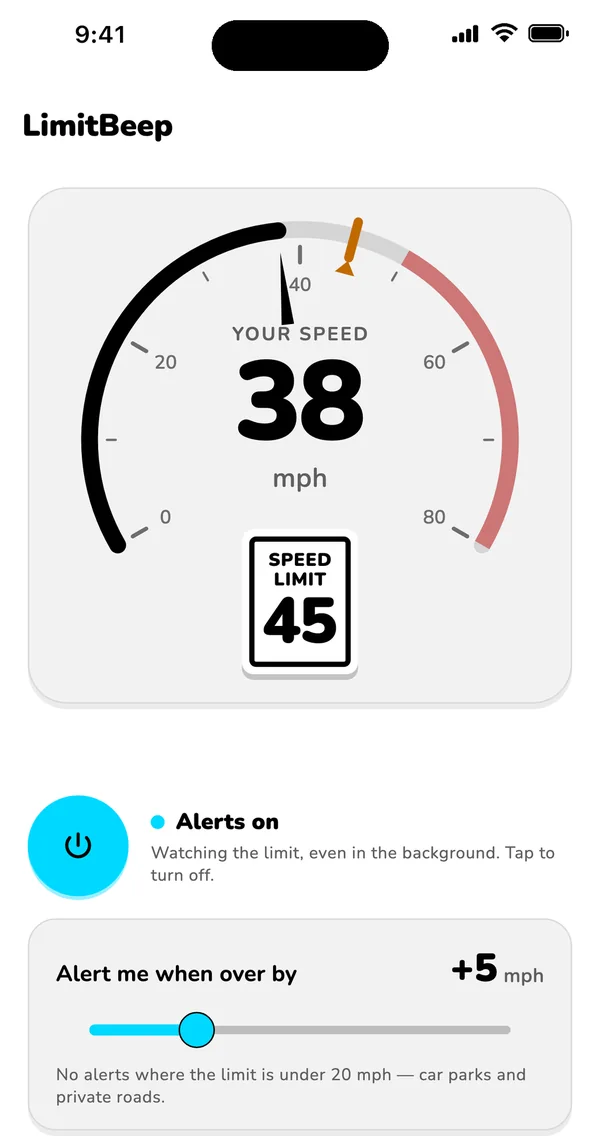
Screenshots
See it. Hear it.
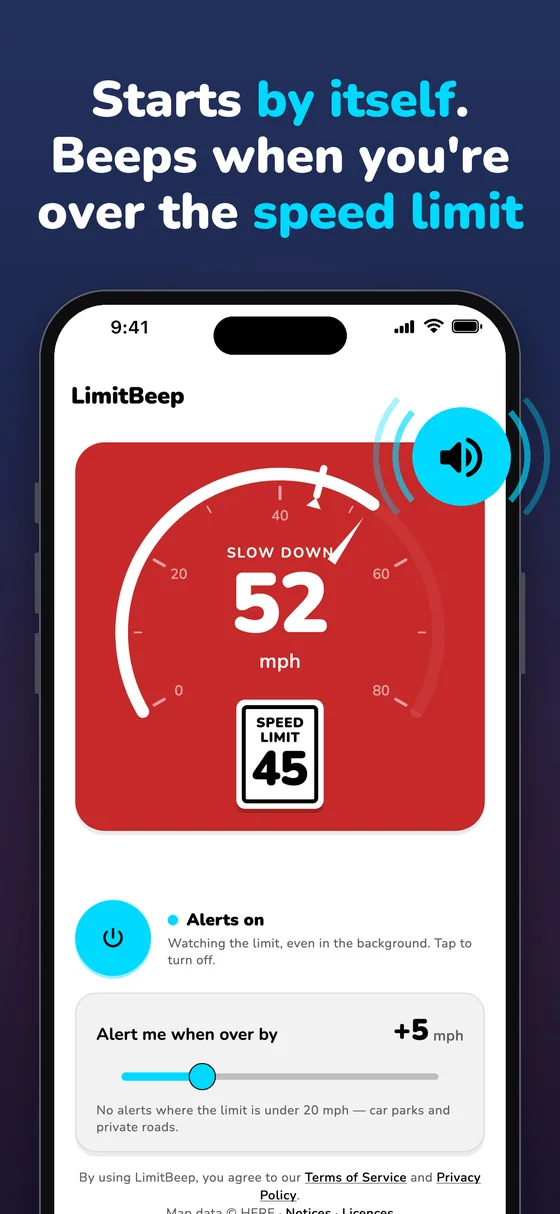
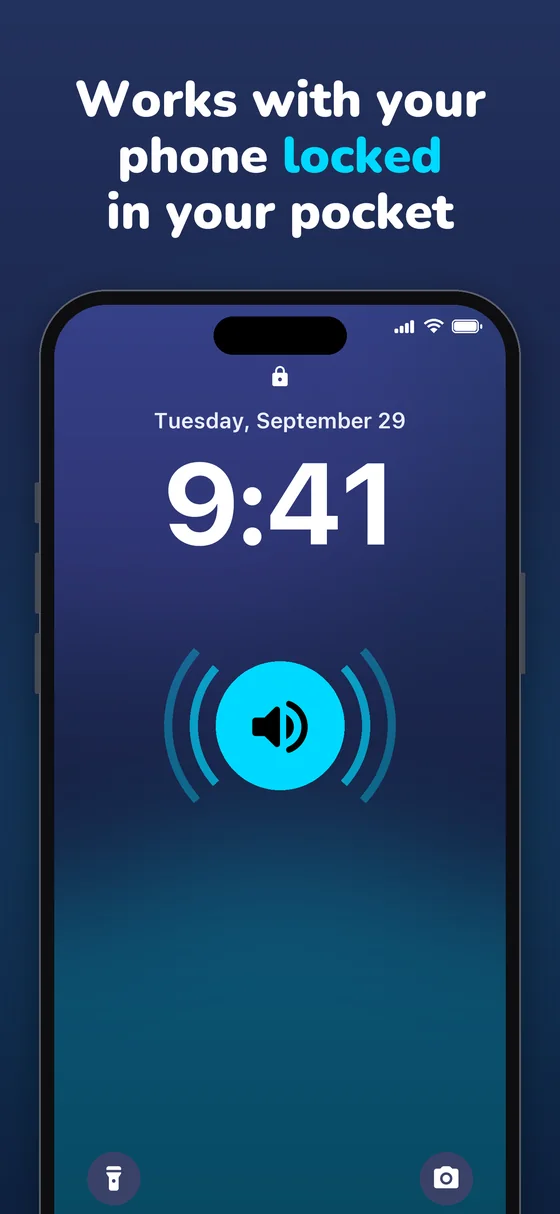
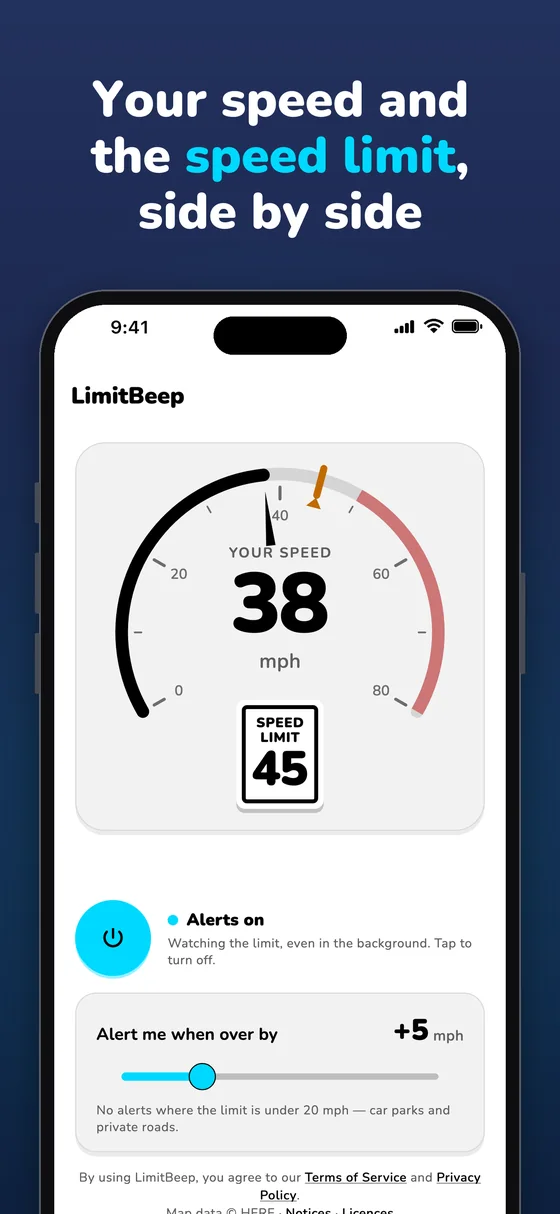
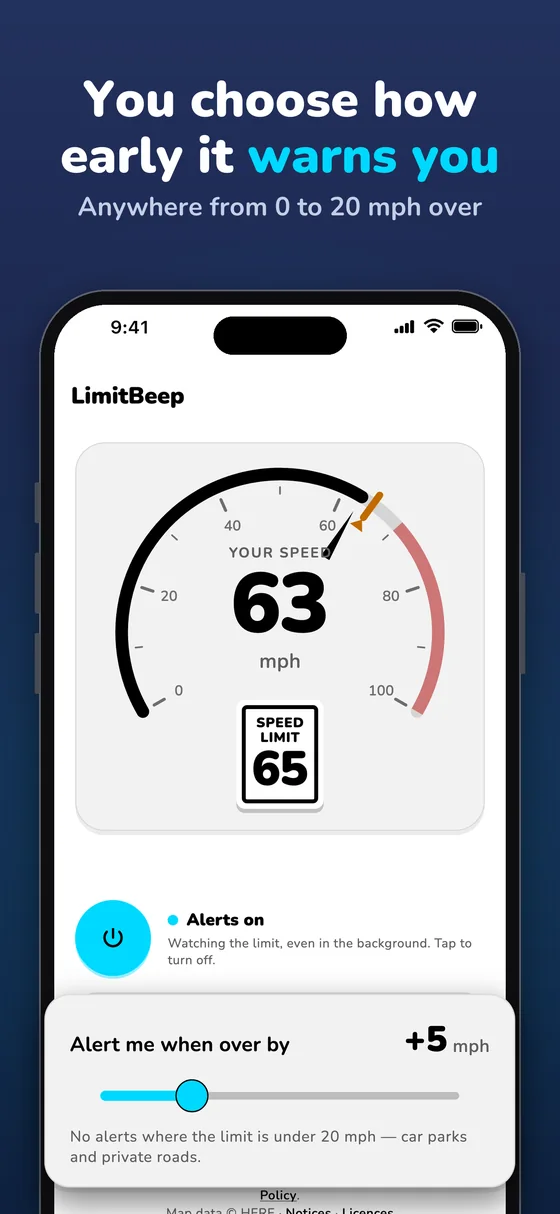
It starts with a 27-second preview, with sound. Shown on iPhone; the Android app looks and works the same.
How it works
Set it up once. Then just drive.
No destination to set. No tapping. No watching your screen.
-
Start your trial, turn on alerts
Start your 7-day free trial and turn on speed alerts. Allow location “Always” (“Allow all the time” on Android), so it can start by itself when you drive.
-
Drive
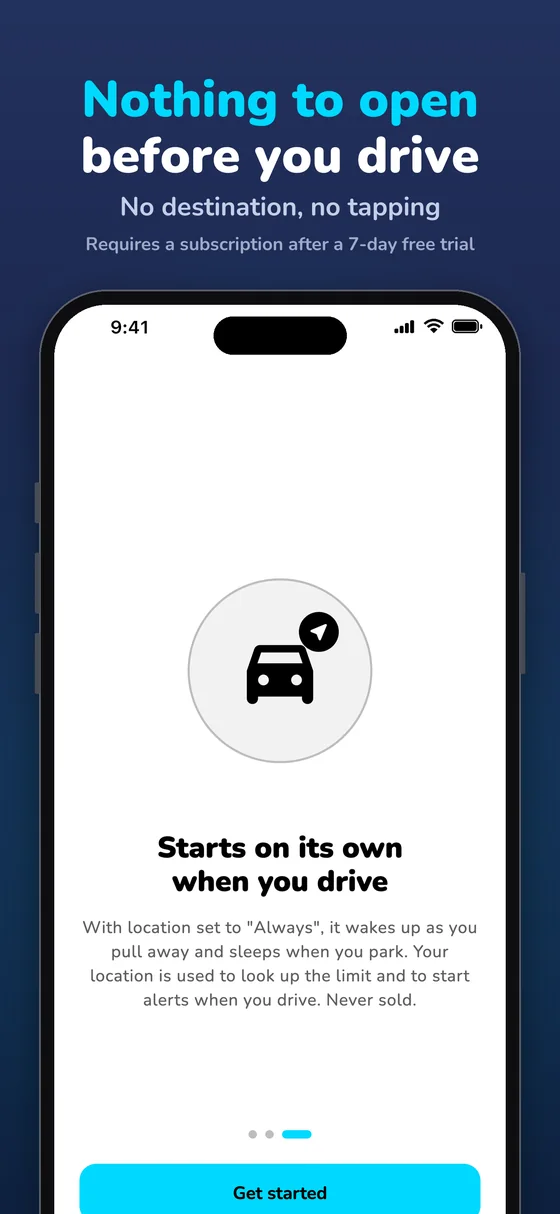
Nothing to open first. LimitBeep starts on its own when you drive and goes to sleep once you’ve parked.
-
Hear a short beep only when you’re over
Go over the limit by more than your margin and it beeps and the speed card flashes red, even with the screen off.
Features
What you get. Nothing you don’t.
Starts by itself
Once alerts are on, it wakes up when you start driving. Nothing to open first.
Works with your phone locked
The beep plays with the screen off: once when you go over, then every 12 seconds while you stay over.
Licensed map data
Posted speed limits, matched to the road you’re on.
Your margin, your call
Set it from 0 to 20 mph over, to allow for GPS and speedometer differences. Roads posted under 20 mph are skipped, so parking lots stay quiet.
Live speedometer
Your speed and the posted limit, side by side. The speed card flashes red on exactly the same condition that sets off the beep.
Never guesses
If it can’t confirm the limit for your road, it shows “--” and stays quiet. Below 15 mph it does nothing, so it’s silent while you’re parked or crawling.
Privacy
Anonymous by design.
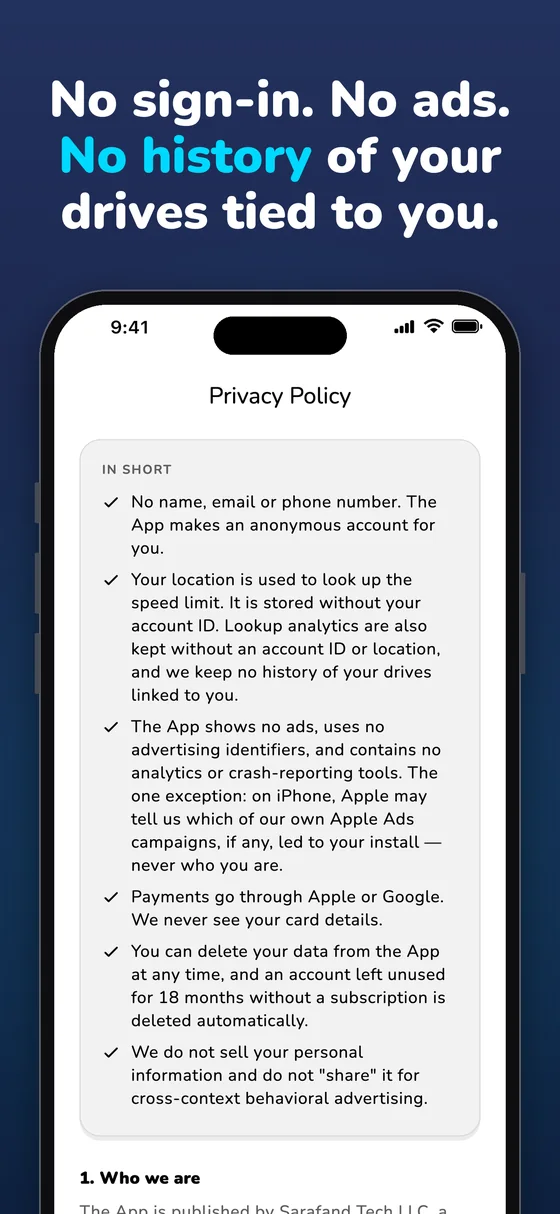
LimitBeep needs your location to know the limit. It doesn’t need to know who you are.
Read the Privacy Policy- No sign-in. The app never asks for your name or email.
- No history of your drives is tied to you.
- Your location is used to look up the speed limit and is never sold.
- No ads, and no tracking across other apps or websites.
- Payments go through Apple or Google. We never see your card details.
Pricing
Try it free for 7 days.
Start with a 7-day free trial. Cancel anytime in your Apple or Google account.
Monthly
Billed monthly after your free trial.
- 7-day free trial
- Every feature included
- Cancel anytime
Annual
About $1.15 a week, billed yearly after your free trial.
- 7-day free trial
- Every feature included
- Cancel anytime
US prices. LimitBeep is available in the US only. The free trial is available once per Apple ID or Google account. Subscriptions renew automatically until you cancel; cancel at least 24 hours before the end of the current period. Deleting the app doesn’t cancel a subscription. See the Terms of Service.
FAQ
Questions drivers ask.
Do I have to open the app or enter a destination?
No. Once alerts are on, LimitBeep starts on its own when you drive and goes to sleep after you park. There’s nothing to open or tap. If you swipe it away in the iPhone app switcher, or force-stop it on Android, it can’t start by itself until you open it again.
Where do the speed limits come from? Are they always right?
From licensed map data: posted speed limits, matched to the road you’re on. No map is perfect: data can be wrong or out of date, it can’t see temporary limits or tell when a school or work zone is in effect, and limits shown are for cars, so trucks and vehicles towing a trailer may have lower ones. If the app can’t confirm a limit, it shows “--” and stays quiet. Posted signs always come first.
Will I hear it over music or navigation?
Yes. Alerts play at your phone’s media volume, so keep it turned up. On iPhone, other audio dips briefly while the alert plays, and alerts still sound when the Ring/Silent switch is set to silent.
Why does it need location all the time?
Location set to “Always” on iPhone, or “Allow all the time” on Android, lets it start by itself when you drive, even with the app closed. Your location is used to look up the speed limit and is never sold. It’s stored without your account ID, and no history of your drives is tied to you.
Will it drain my battery? Does it use much data?
GPS runs while you drive, and it switches off a few minutes after you park. Looking up limits uses roughly 1–2 MB of data per hour of driving. The app needs a connection; if you lose signal it pauses alerts, tells you, and resumes by itself.
How does the free trial work?
Choose monthly or annual and confirm with Apple or Google. You aren’t charged during the 7 days, and if you cancel before the trial ends, you aren’t charged at all. The trial is available once per Apple ID or Google account; if you’ve already had it, your plan starts right away.
Does it detect speed cameras or police?
No. LimitBeep tells you the posted limit and when you’re over it. It isn’t a radar, laser, camera or police detector.
More answers, and how to manage your subscription, are on the support page.
Good to know. LimitBeep works on US roads only, for drivers 16 and older. It needs location set to “Always” (“Allow all the time” on Android) and a data connection. Speed-limit data can be wrong or out of date, and it can’t see temporary limits or tell when a school or work zone is in effect. Posted signs always come first.
A driving aid, not a guarantee. Always obey traffic laws and drive attentively; the app can’t guarantee that you will avoid tickets. Alerts can be late or missed. Never look at or touch your phone while the vehicle is moving.
Be the first to know when our apps launch.
LimitBeep and EPA 608 Mastery Pro are coming to the App Store and Google Play. Leave your email and we’ll tell you the day they’re available.